GE lists DE in capitals as demo mode — the lights and controls work and the cooling is switched off deliberately — and dE in lower case as the defrost system not having run in 24 hours. One is a setting somebody enabled by accident and costs nothing to clear. The other is a repair. Every search anybody types loses the difference, which is why they have separate pages here.
49 codes · 11 signals
Every code GE publishes, and what it means on your appliance.
Read out of GE's own tables rather than collected from repair forums. Which matters here more than usual, because the same characters mean different things on different appliances — F3 is the oven sensor on a range and a shorted touch pad on a microwave.
- 49 codes, from GE's own tables
- 11 signals that are not problems
- 5 appliances with published tables
- 4 with no codes at all
The whole archive
Every code and signal, by appliance
Filter by the appliance in front of you. The same characters mean different things on different machines here.
- FF The freezer temperature is rising too high, and
- PF The power to the refrigerator has been interrupted.
- CI Check the icemaker for proper operation. GE puts
- DE Demo mode, and it is the most misread
- dE The defrost system has not operated properly in
- CC Check the temperature controls, because the refrigerator temperature
- tC Not an error. GE lists tC under Normal
- tF Not an error. GE lists tF under Normal
- C1 The pump out during drain has exceeded two
- C2 The total pump out cycle exceeds seven minutes.
- C3 The dishwasher will not drain. Where C1 and
- C4 The machine filled twice after a power failure,
- C5 The pump out time is too short —
- C6 The water temperature is too low. GE is
- C7 The water temperature sensor circuit has become inoperative.
- C8 The detergent cup is blocked from opening fully.
- Cup Open Not an error. GE lists this as a
- PF There has been a power failure to the
- FTD Failure to drain — GE lists it as
- LEAK DETECTED A possible leak has been detected, and on
- nH Not an error. GE describes a number followed
- F0 This code usually means there is a problem
- F1 This code usually means there is a problem
- F6 This code usually means there is a problem
- F7 This code usually means there is a problem
- F2 For an unknown reason the oven temperature has
- F3 The oven sensor needs to be replaced. F3
- F4 The oven sensor needs to be replaced —
- F5 The electronic control needs to be replaced, and
- F8 The electronic control needs to be replaced —
- F9 A component has failed somewhere in the door
- FC A component has failed somewhere in the door
- F350 An issue with the upper cooling fan circuit,
- FD Either the probe or its receptacle may need
- F96 An internal component needs to be replaced —
- F97 An internal component needs to be replaced —
- F7X An internal component needs to be replaced —
- FF The electronic control needs to be replaced. Note
- Bad Line Not a repair. GE's table says it plainly:
- Unlock Door A message rather than a code: it appears
- Loc Door Flashing in the display when a self-clean cycle
- F1 Open thermal sensor, caused by excessive heat in
- F2 Shorted thermal sensor. The companion to F1: where
- F3 Shorted touch pad panel. This is the clearest
- F4 Open humidity sensor. GE's sensor-cooking features depend on
- F5 Shorted humidity sensor — the short-circuit companion to
- F6 Shorted temperature probe. Like the range's FD, this
- F10 Shorted touch screen — the touch-screen equivalent of
- Probe Open temperature probe, or the probe is not
- PF A power failure notice, displayed as PF, 888
- 18 Not an error. GE documents 18 in the
- F1 240 Volt Open thermal sensor on a 240 Volt Advantium.
- F2 240 Volt Shorted thermal sensor on a 240 Volt Advantium.
- F3 240 Volt Shorted touch pad panel on a 240 Volt
- F4 240 Volt Humidity sensor on a 240 Volt Advantium —
- F6 240 Volt High cavity temperature detected on a 240 Volt
- F1 120 Volt Open thermal sensor on a 120 Volt Advantium.
- F2 120 Volt Shorted thermal sensor on a 120 Volt Advantium.
- F3 120 Volt Shorted touch pad panel on a 120 Volt
- F4 120 Volt Humidity sensor on a 120 Volt Advantium —
No code here matches that. Codes differ between series, and some are only shown on the service display — call (305) 306-2503 with the model number and what the display is doing.
Case matters on this make: DE is demo mode and dE is the defrost system. And the appliance matters as much as the characters — F3 is the oven sensor on a range and a shorted touch pad on a microwave.
The distinction that costs the most
DE and dE are one keystroke apart and opposite answers
DE — demo mode
What the tables do not say
GE says plainly that this list is not complete
On their own range and oven table they write that they cannot provide every code for past and present models. So a code missing from this archive is not proof your appliance cannot raise it, and a code present is not proof yours can — the model number settles it. What we will not do is fill the gap with codes nobody published, which is how a sibling network ended up publishing symptoms as codes.
Reading a code properly
Three things worth knowing before you look one up
Photograph it first
- Cutting power erases the code, and the code is most of the diagnosis.
- Note whether it flashes or is steady, and whether there is a sound.
- GE describes refrigerator codes as flashing green with a beep.
Check which appliance
- F3 is the oven sensor on a range and a touch pad on a microwave.
- FF is the control on a range and a warming freezer on a refrigerator.
- Advantium has its own table, separate from both.
Read the case
- DE and dE are different codes with different answers.
- So are tC and tF, which are not errors at all.
- A number followed by H on a dishwasher is delay start counting down.
When there is no code to look up
Start from what the appliance is doing
Not every problem puts characters on a display, and GE does not publish a table for every appliance it makes. These pages start from the behaviour instead — what you can see, hear and smell — with the checks that cost nothing first.
-
It runs, it lights up, and the food is warm Refrigerator not cooling
The most common call on any make, and on a GE there is a free answer to rule out first that nobody expects: demo mode runs the lights and the controls and switches the cooling off on purpose. After that, GE's own troubleshooting order is settings, then airflow, then defrost — and the sealed system everybody fears is last.
- Running and lit, and nothing is cold
- Started after a delivery, a storm or a power cut
- The freezer may still be fine while the fridge is not
-
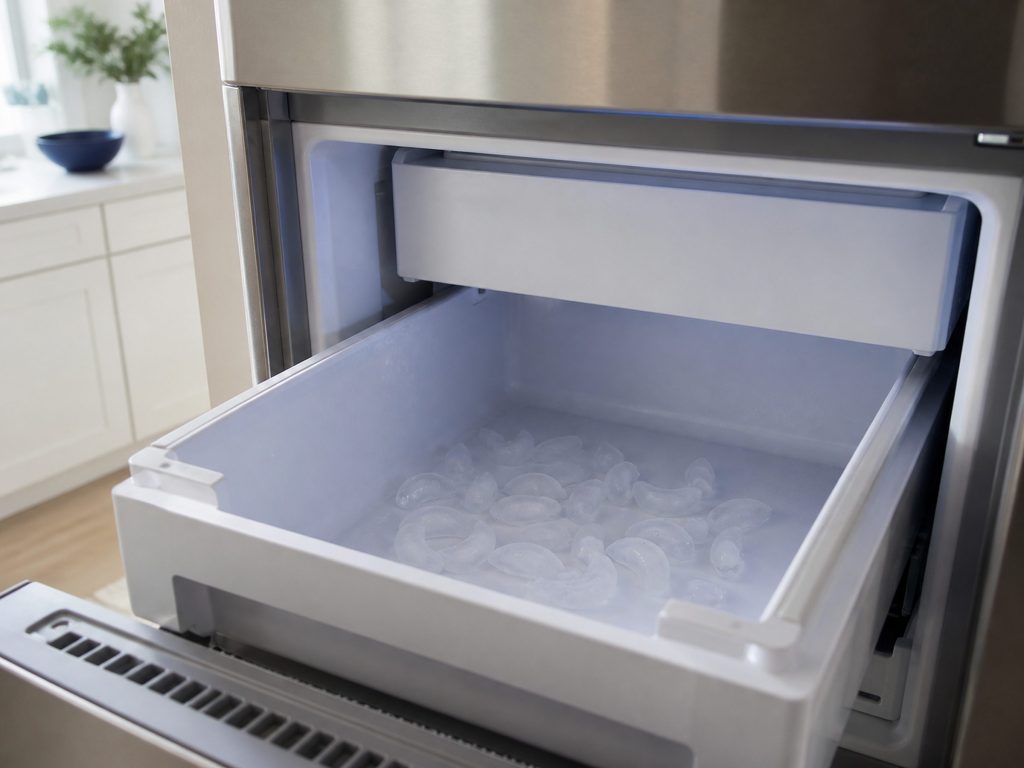
The bin is empty and nothing is falling Icemaker not making ice
GE's own list runs temperature, then water supply, then the shut-off arm — and every one of those is cheaper than the icemaker assembly people expect to buy. Before any of it, there is a question worth asking: is the machine actually below specification, or has the household grown? GE publishes production rates, and a good share of these calls end there.
- Empty bin, or far less ice than there was
- Cubes hollow, small or misshapen
- Started after a power cut or a filter change
-
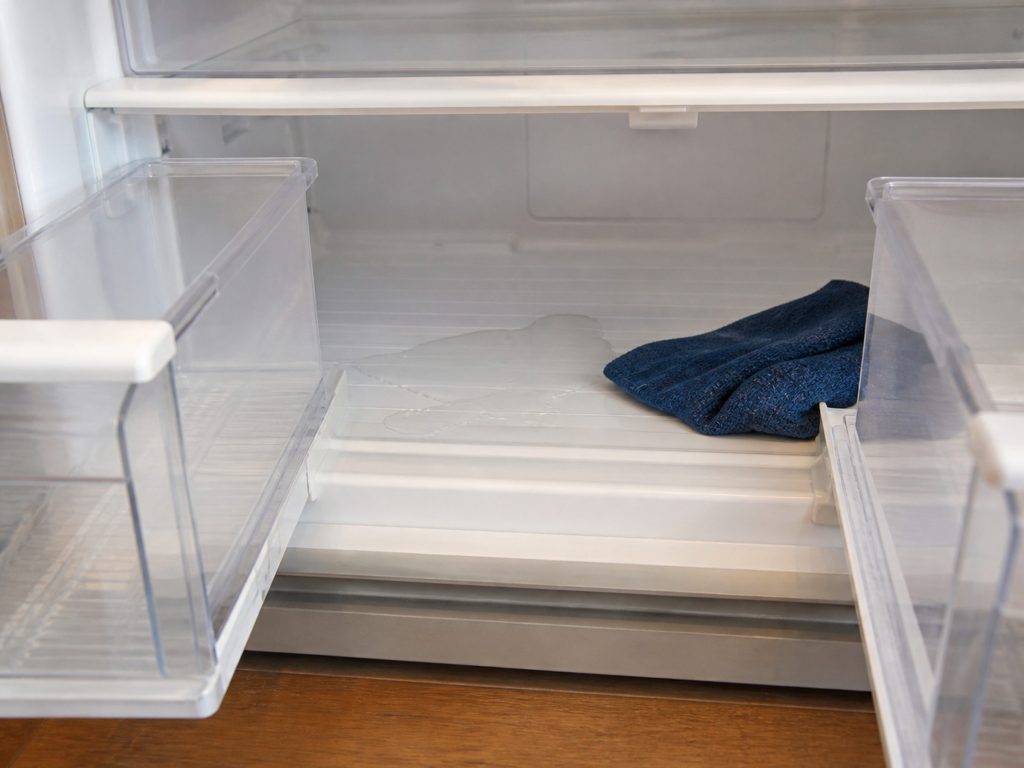
Puddles in the crisper, or on the floor Water leaking inside or underneath
Water inside the cabinet and water on the floor are usually two different repairs, and both are cheaper than they look. Inside, it is nearly always the defrost drain iced over. Underneath, it is the drain pan, a water line connection, or ice that has been melting somewhere it should not.
- Water under the crisper drawers
- A puddle on the floor at the front or the back
- Ice building at the back of the freezer floor
-
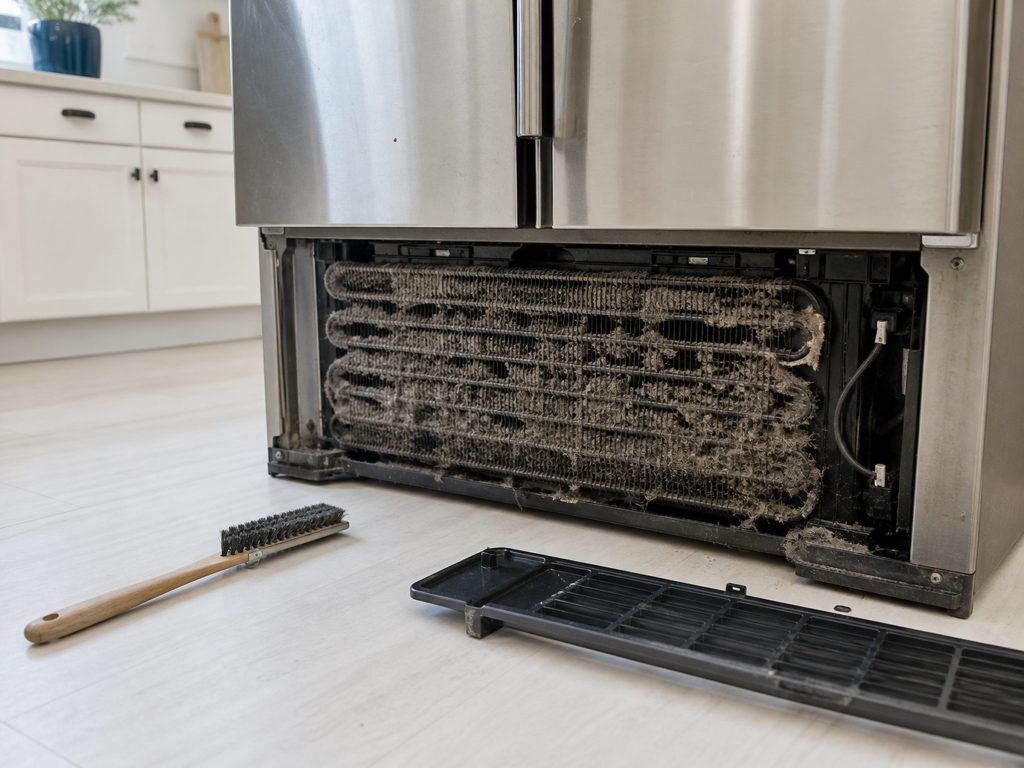
The compressor never seems to stop Running constantly
A refrigerator in South Florida runs longer than the same appliance anywhere dry, so long run times alone are not evidence of anything. What matters is whether it is holding temperature while it runs. A cabinet that is cold and running constantly is usually working hard for a reason you can fix; one that is running and warm is a different page.
- It rarely or never switches off
- The kitchen is warmer or the bill is higher
- It still holds temperature — or it does not
-
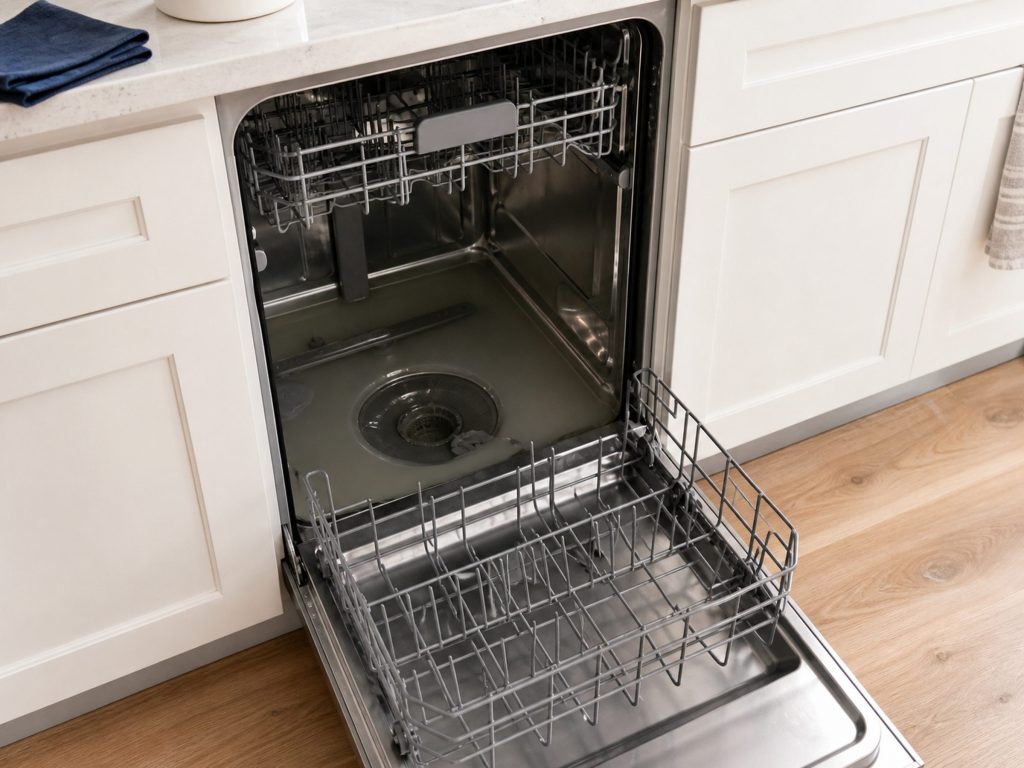
Water standing in the bottom after every cycle Dishwasher not draining
The most common dishwasher call, and GE's own troubleshooting starts outside the machine: the air gap, the drain hose and the disposer. The single most frequent cause in a house with a recently installed disposer is a plastic plug that was never knocked out — which is not a dishwasher repair at all.
- Water left in the tub at the end
- C1, C2, C3 or FTD on the display
- Started after a new disposer was fitted
-
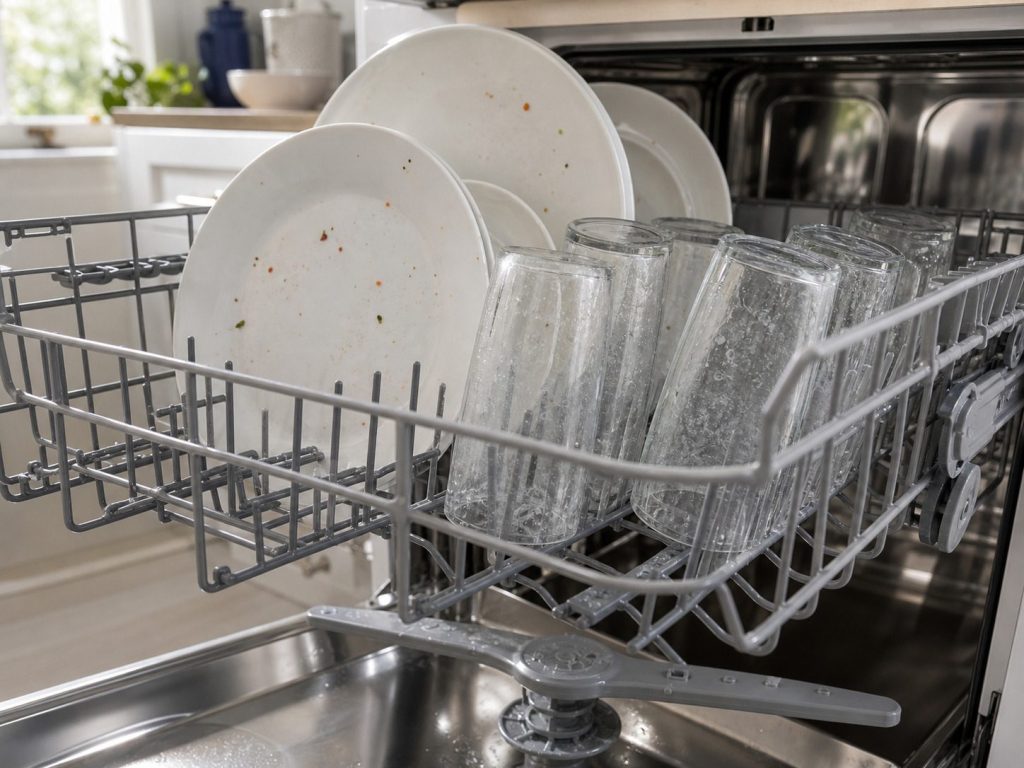
It runs a full cycle and the dishes are still dirty Dishes not coming out clean
GE's own guidance names water temperature first, and they are specific: the water arriving at the dishwasher should be at least 120°F. In a house where the kitchen is a long way from the water heater, it is not — and no part fixes a pipe run. After temperature it is the filter, the spray arms and how the machine is loaded.
- Film, grit or food left after a full cycle
- Glassware cloudy rather than dirty
- One rack clean and the other not
-
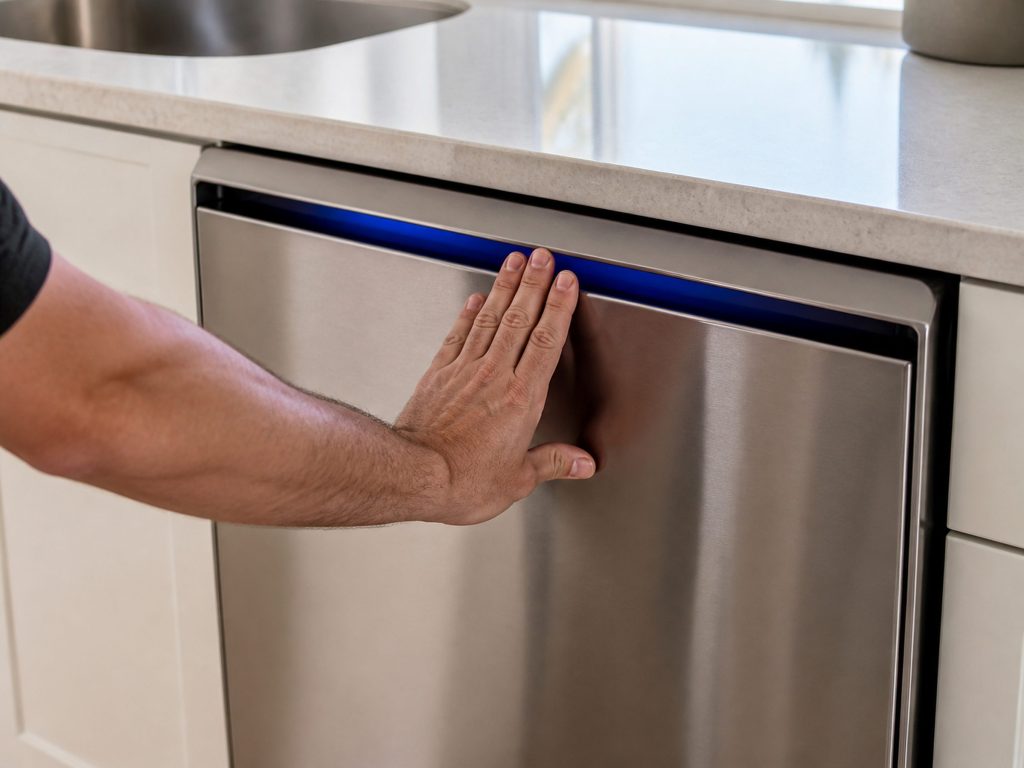
The lights are on but nothing happens Dishwasher will not start
Before anybody quotes a control board — and this appliance gets a board quoted more often than any other in the kitchen — there are three cheap things that stop a dishwasher completely: the door latch and its interlock, a delay start that somebody set, and the detergent cup reminder. GE publishes all three.
- Panel lights up but the cycle never begins
- A number followed by H on the display
- It hums or beeps and stops
If it is not on this list
This list is what GE publishes, not everything their appliances can log
Their own tables say so. If your appliance is showing something that is not here, tell us the code and the model — it is still diagnosable, and it is still worth the call.
Before you book
The questions this page is asked
Will unplugging it clear the code?
Often, and GE asks for exactly that on several of them — thirty seconds at the breaker. A code that clears and stays clear was reporting a glitch. One that returns is reporting a problem, and resetting it repeatedly only delays the diagnosis.
My appliance shows no code. Does that mean nothing is wrong?
No. GE publishes no codes at all for wine centers, range hoods, built-in ice makers or basic dryers — those are diagnosed by measurement. The symptom pages are where to start.
The code is not on this list.
GE says their own tables are not exhaustive, so that is expected rather than strange. Send us the code and the model number and we will tell you what we can before the visit.
Is a code always a repair?
No — several are the appliance reporting a state. PF is a power failure notice, Cup Open is a reminder, tC and tF are TurboCool and TurboFreeze running, and a number with an H is a delay start. Those are published here as signals rather than as errors.
In more detail
What GE repair actually involves in Miami
Why every code here names its appliance
Because on this make the same characters genuinely mean different things depending on what is showing them. A single page for ‘GE F3’ would be correct for a range owner and wrong for a microwave owner, and there is no way to write it that is right for both.
Where the table repeats itself, we say so
GE’s range list has four codes that all mean the keypanel, two that both mean the oven sensor and two that both mean the control. Twenty codes describe far fewer than twenty repairs, and a page that pretends otherwise is padding rather than information.
Tell us the code and the model number.
With those two we can usually name the likely part before the visit. The scope and the figure come in writing before anything is opened.
This article is based on:
- Official manufacturer documentation
- Internal repair procedures
- Technician repair history
- Company quality standards